Generating PDF…

Preparing…
← Back

Introduction to Networks

Week 1

Reza Farashahi — NZSE

What is a Computer Network?

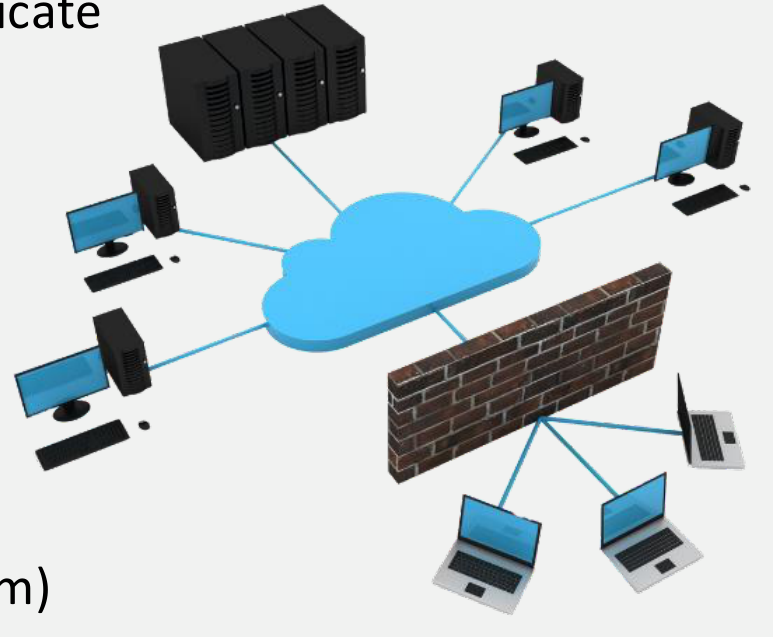
A computer network is a collection of interconnected devices that communicate and share resources.

  • Enables communication between devices
  • Allows resource sharing (e.g., files, printers)
  • Facilitates data exchange

It consists of two primary components:

  • Physical Connection: such as wires, cables, and wireless mediums
  • Logical Connection: the transmission of data over a physical medium
Network Diagram: Devices connected to a cloud via a firewall

Some Basic Networking Rules

  • Computers within a network need to follow the same set of rules for transmitting and receiving data. These rules are referred to as communication protocols.
  • Data must be transmitted accurately and remain intact. If it becomes corrupted, it loses its value. (Though there are some exceptions to this rule.)
  • Computers in a network must be able to identify both the source and the destination of any piece of information, such as its IP address and MAC address.

Types of Computer Networks

Classified by Size

Types of Computer Networks (by Size)

  • Personal Area Network (PAN)
  • Local Area Network (LAN)
  • Wireless Local Area Network (WLAN)
  • Campus Area Network (CAN)
  • Metropolitan Area Network (MAN)
  • Wide Area Network (WAN)

Personal Area Network (PAN)

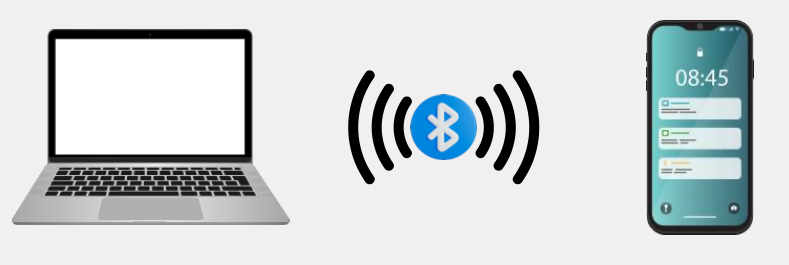
  • Ultra-small networks used for personal use to share data from one device to another.
  • Can be wired (PAN) or wireless (WPAN):
    • USB
    • Bluetooth
    • NFC
  • Examples:
    • Smart Phone to Laptop
    • Smart Watch to Smart Phone
    • Smart Phone Hands-Free Car Calling
    • Heart Rate Monitor to Smart Phone
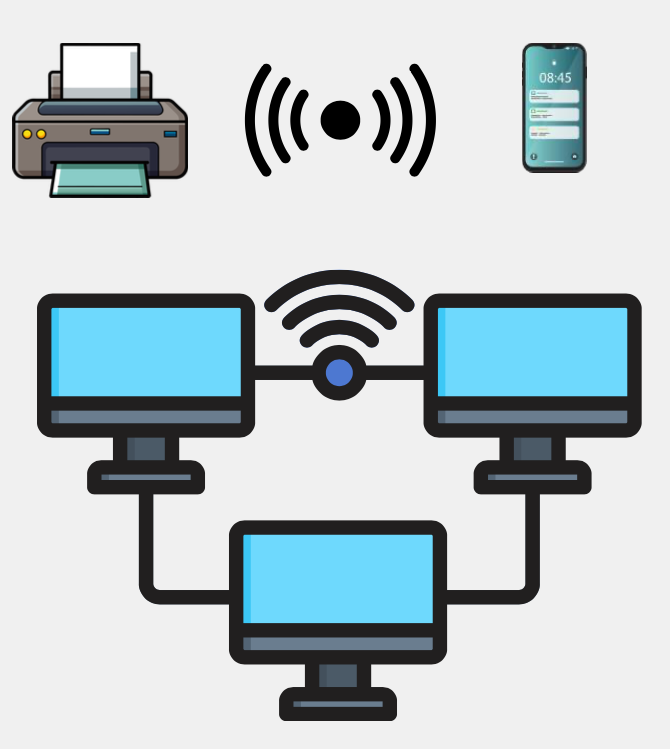
Smartphone with notifications

Local Area Network (LAN)

  • A network that connects devices within a limited area such as a home, school, or office building.
  • Considered to be self-contained:
    • All devices are directly connected via cables and/or short-range wireless technology.
    • Doesn't require a leased telecommunications line from an ISP.
  • Examples:
    • Home Network
    • Small Business or Office Network
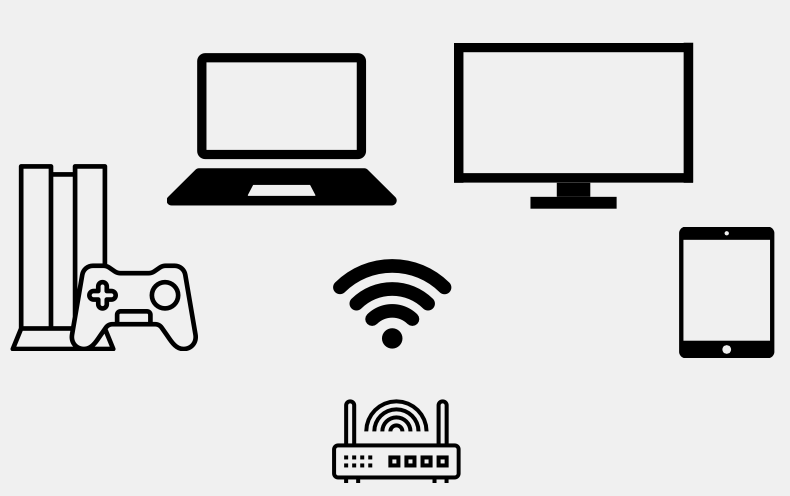
LAN network illustration

Wireless Local Area Network (WLAN)

  • A LAN that's dependent on wireless connectivity or one that extends a traditional wired LAN to a wireless LAN.
  • Most home networks are WLANs.
WLAN network illustration

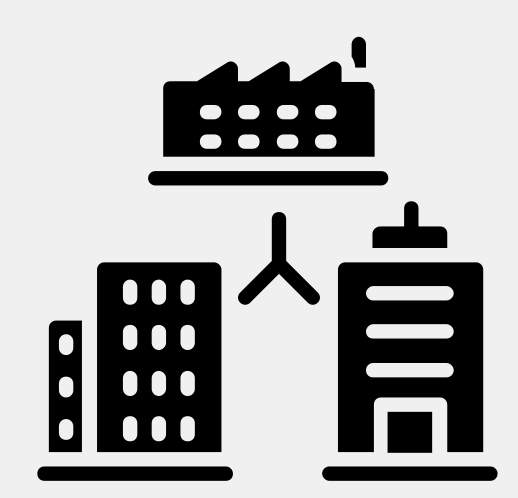
Campus Area Network (CAN)

  • A computer network of multiple interconnected LANs in a limited geographical area, such as a corporate business park, government agency, or university campus.
  • Typically owned or used by a single entity.
Campus Area Network diagram

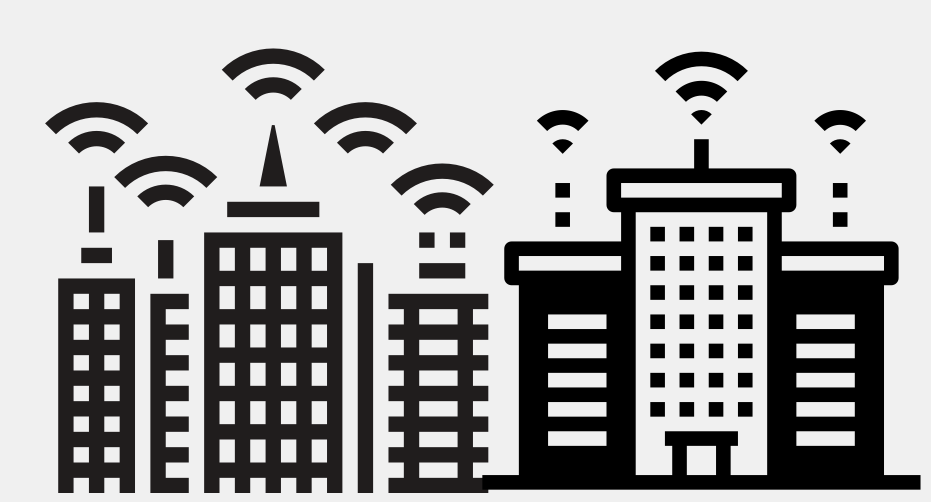
Metropolitan Area Network (MAN)

  • A computer network that interconnects users with computer resources in a city.
  • Larger than a campus area network, but smaller than a wide area network.
Metropolitan Area Network diagram

Wide Area Network (WAN)

  • A computer network that extends over a large geographical distance, typically multiple cities and countries.
  • WANs connect geographically distant LANs.
  • Typically use leased telecommunications lines from ISPs.
  • Examples:
    • The Internet
    • Corporate Offices in Different States
City skyline with digital network connections

Quiz: Network Types

Which type of network covers a single city?

Network Architecture

Peer-to-Peer vs. Client-Server

Peer-to-Peer vs. Client-Server

Client-Server

  • Network is composed of clients and servers
  • Servers provide resources; clients receive them
  • Centralized control over network resources (files, printers, etc.)
  • Centralizes user accounts, security, and access controls
  • More difficult to set up; requires an IT administrator
  • Examples: File server, Authentication server
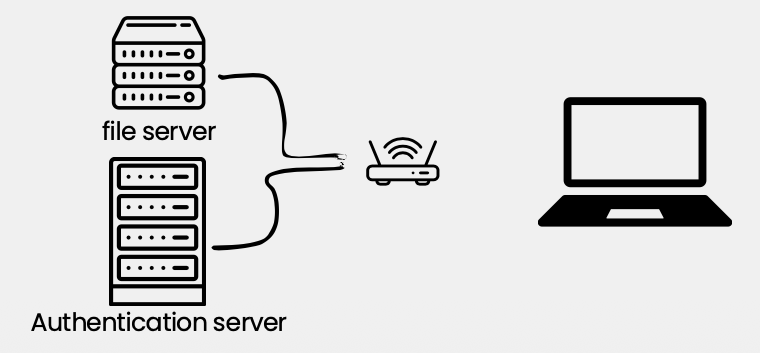
Client-Server architecture diagram

Peer-to-Peer

  • All computers on the network are peers
  • No dedicated servers; no centralized control
  • Any device can share its resources as it pleases
  • All computers can act as either a client or a server
  • Easy to set up; common in homes and small businesses

Peer-to-Peer architecture diagram

Why Build a Computer Network?

  • Before computer networks, people sent and received information by hand, using the postal service. This is slow and can be unreliable.
  • Computer networks enable faster, more efficient modes of communication, i.e., email, video conferencing, etc.
  • Computer networks and the sharing of electronic data encourage the use of standard policies and procedures.
  • Computer networks provide backup and recovery support for our data, i.e., redundancy.
  • Computer networks lead to cost savings.

Quiz: Network Architecture

In which network architecture do all computers act as both client and server?

Networking Protocols

Session 2

Computer Networking Protocols

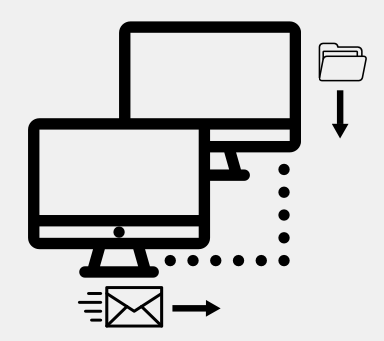
  • Computers communicate with each other with network protocols.
  • Protocols are rules governing how machines exchange data and enable effective communication.

Some Everyday Examples:

  • When you call somebody, you pick up the phone, ensure there is a dial tone, and if there is, you dial the number.
  • When you drive your car, you obey the rules of the road.

Protocols Continued

  • Physical Protocols: describe the medium (wiring), the connections (RJ-45 port), and the signal (voltage level on a wire).
  • Logical Protocols: software controlling how and when data is sent and received to computers, supporting physical protocols.
  • Computer networks depend on many different types of protocols in order to work properly.

Example Common TCP/IP Suite of Protocols:

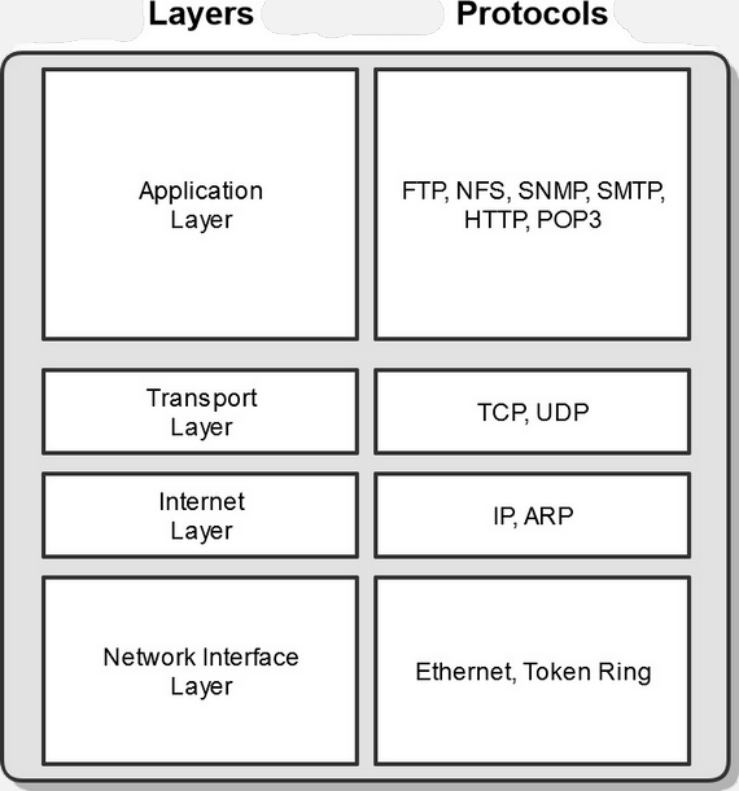
  • Web Communication: HTTP
  • E-mail: POP3, SMTP, IMAP
  • File Transfers: FTP
Network protocols illustration

Quiz: Networking Protocols

Which protocol is commonly used for web communication?

The OSI Model

Open Systems Interconnection Reference Model

The OSI Model

What is it?

The Open Systems Interconnection (OSI) Reference Model

  • A conceptual framework showing us how data moves throughout a network.
  • Developed by the International Organization for Standardization (ISO) in 1977.

Its Purpose

  • Gives us a guide to understanding how networks operate. It's only a reference model, so don't get wrapped up in the details.
  • Wasn't implemented in the real world — TCP/IP is.
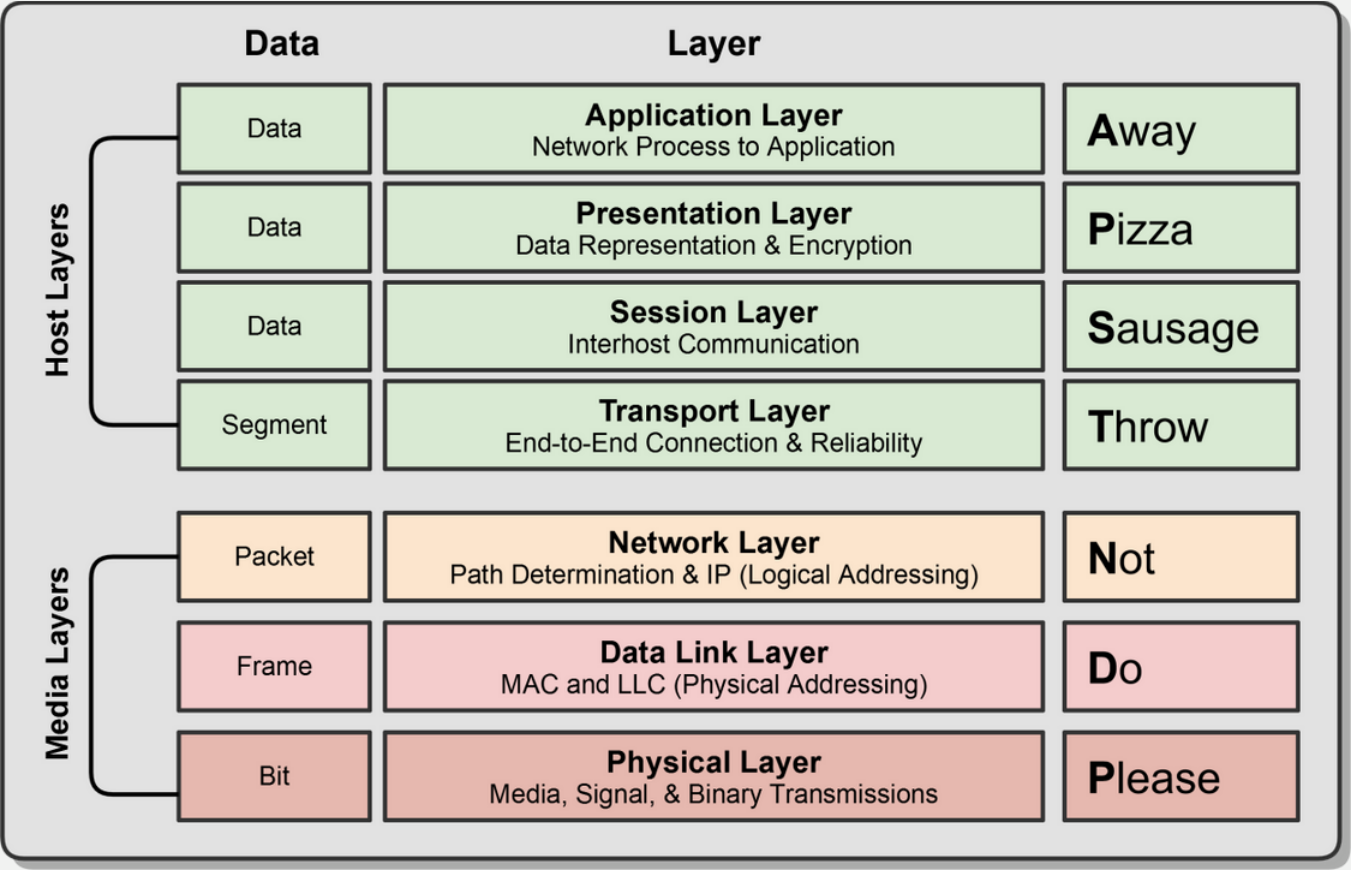
The OSI Model diagram showing 7 layers

The OSI Model Stack

The OSI Model breaks down the complex task of computer-to-computer network communications into seven layers.

Upper Layers (Host Layers)

  • Handled by the host computer and performs application-specific functions, such as data formatting, encryption, and connection management.

Lower Layers (Media Layers)

  • Provide network-specific functions, such as routing, addressing, and flow control.

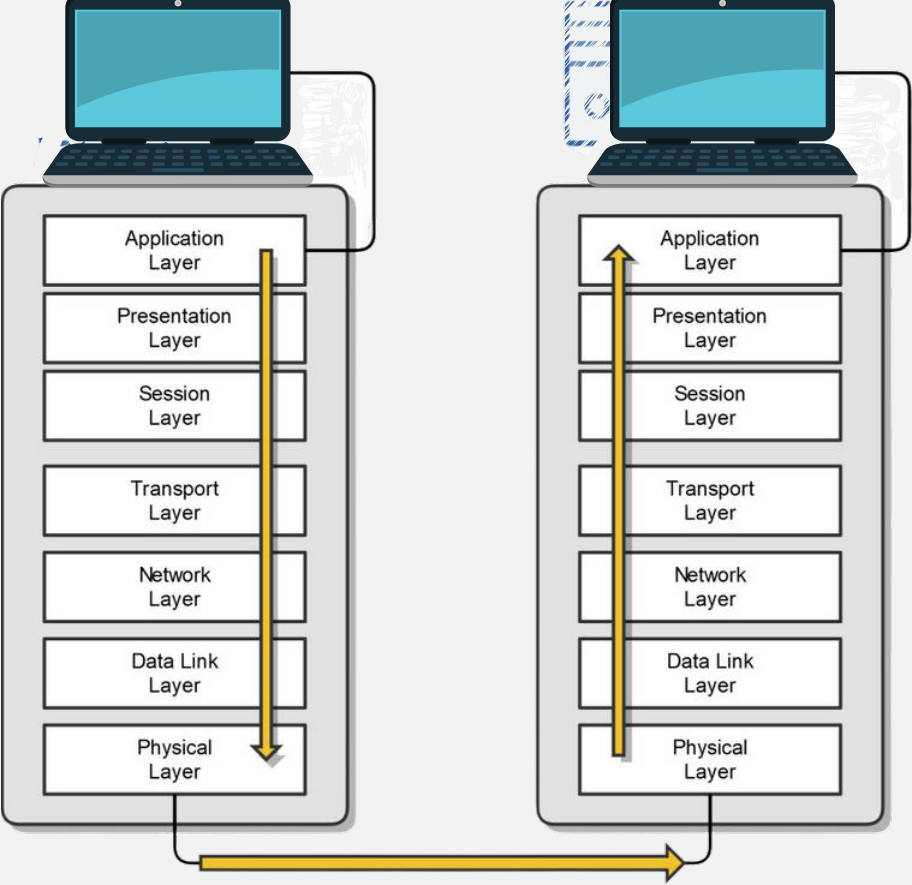
OSI Communication

Data passes through each layer during transmission (encapsulation) and reception (decapsulation).

OSI Communication Diagram showing encapsulation/decapsulation

Quiz: The OSI Model

How many layers does the OSI model have?

The TCP/IP Model

The Foundation of the Internet

The TCP/IP Model

  • The TCP/IP suite is the most commonly used protocol suite in the networking world.
  • It's essentially the protocol suite in which the Internet was built.
  • It's the standard for computer networking.
  • It is based on a 4-layer model that is similar to the OSI model.

History of TCP/IP:

  • Developed by the United States Department of Defense (DoD) in the early 1970s.
  • In 1982, the DoD declared TCP/IP as the standard for all military computer networking.
  • In 1984, broad adoption of TCP/IP began (IBM, AT&T, etc.).
TCP/IP Model Diagram showing 4 layers and associated protocols

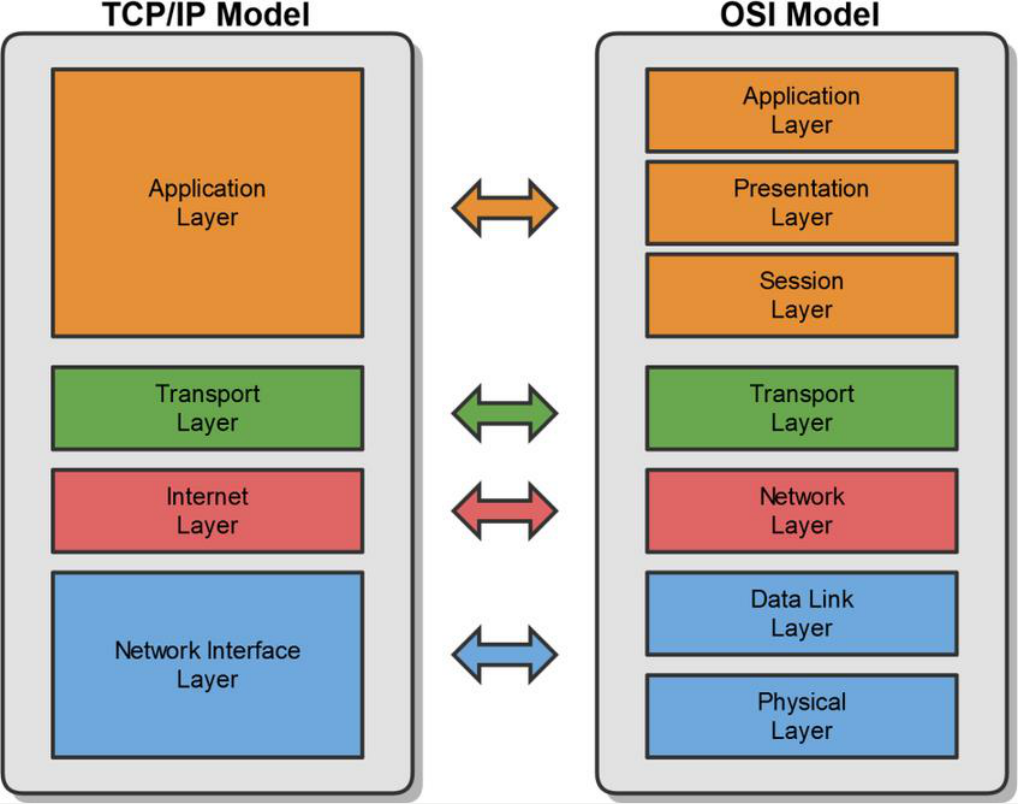
TCP/IP & OSI Models Side-by-Side

The TCP/IP model maps to the OSI model, with the top three OSI layers merging into the TCP/IP Application layer.

Comparison of TCP/IP and OSI Models

Quiz: The TCP/IP Model

How many layers does the TCP/IP model have?

MAC & IP Addresses

Identifying Devices on the Network

MAC Addresses

Media Access Control (MAC)

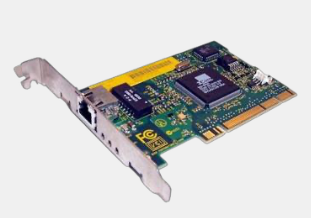
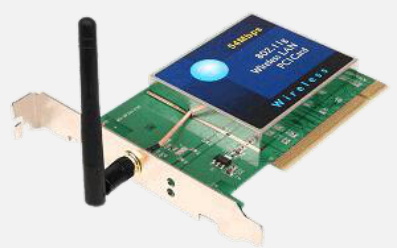
  • Physical address of the network adapter card
  • OSI Layer 2 (Data Link) Layer Address
  • TCP/IP Layer 1 (Network Interface) Layer Address

Six bytes (48 bits), usually represented in hexadecimal:

  • First 3 bytes (24 bits) — Organizationally Unique Identifier (OUI) assigned by IEEE (e.g., Dell, HP)
  • Last 3 bytes (24 bits) — assigned sequentially as unique numbers
  • Example: 00:21:70:6f:06:f2
  • 2²⁴ = ~16.7 Million unique addresses per manufacturer
Wired Network Interface Card Wireless Network Interface Card

IP Addresses

  • An IP Address is a logical address used to uniquely identify a device on an IP network.
  • It's a Network Layer address associated with routing:
    • OSI Layer 3: Network Layer
    • TCP/IP Layer 2: Internet Layer
  • There are two versions:
    • IP version 4 (IPv4) — Example: 192.168.0.1
    • IP version 6 (IPv6) — Example: 2001:DB8:85A3:0:0:8A2E:370:7334
  • We'll be discussing both versions in this course.

Comparing IP and MAC Addresses

MAC Addresses

  • Data Link (OSI Layer 2) Addresses
  • Physical Addresses
  • Physically burned on NIC
  • Allows communication via hubs, switches, and routers
  • Local LAN communication

IP Addresses

  • Network (OSI Layer 3) Addresses
  • Logical Addresses
  • Assigned in Operating System
  • Allows network-to-network communication via routers
  • WAN communication

Quiz: Addressing

At which OSI layer does a MAC address operate?

Duplex Communication

Half Duplex vs. Full Duplex

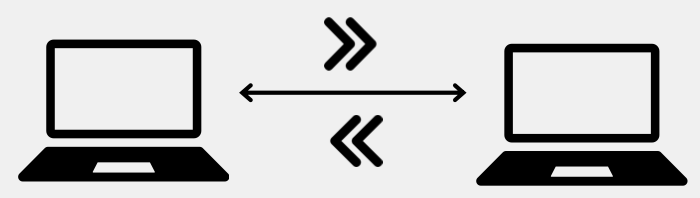
Half vs. Full Duplex Communication

Network communication will occur in either full or half duplex mode:

  • Half Duplex: Can send and receive data, but not at the same time.
  • Full Duplex: Can send and receive data simultaneously.
Diagram illustrating Half Duplex vs Full Duplex

Quiz: Duplex Communication

Which duplex mode allows sending and receiving data at the same time?

Network Transmission Types

Unicast, Multicast & Broadcast

Network Transmission Types

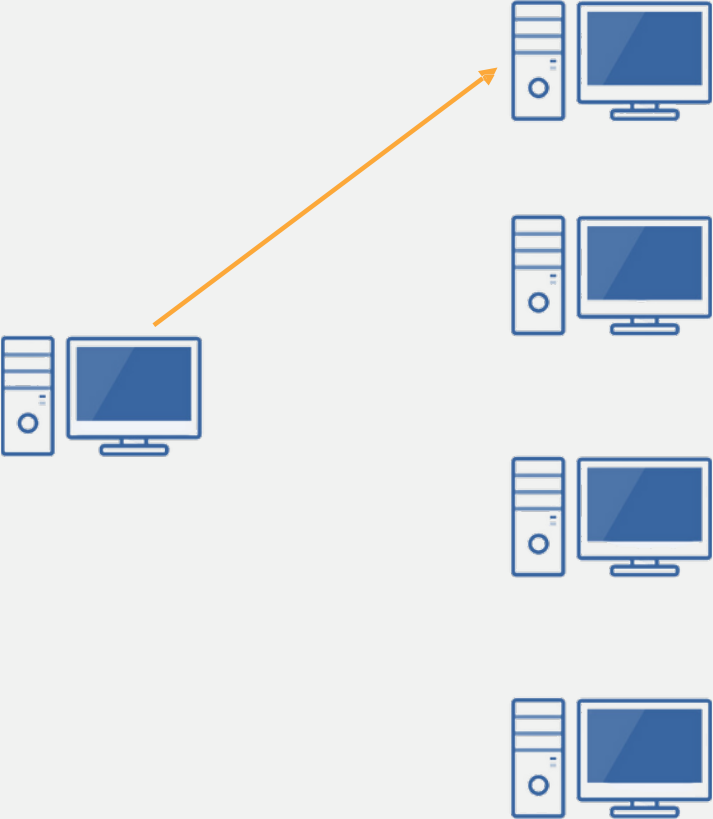
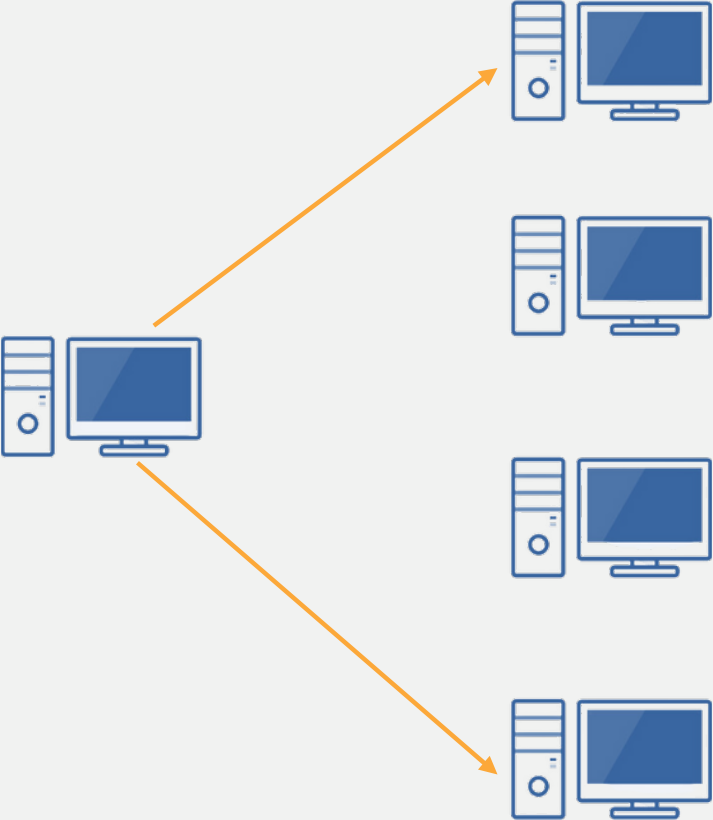
  • Unicast — One-to-One: Data sent from one sender to one specific receiver.
  • Multicast — One-to-Many: Data sent from one sender to a specific group of receivers.
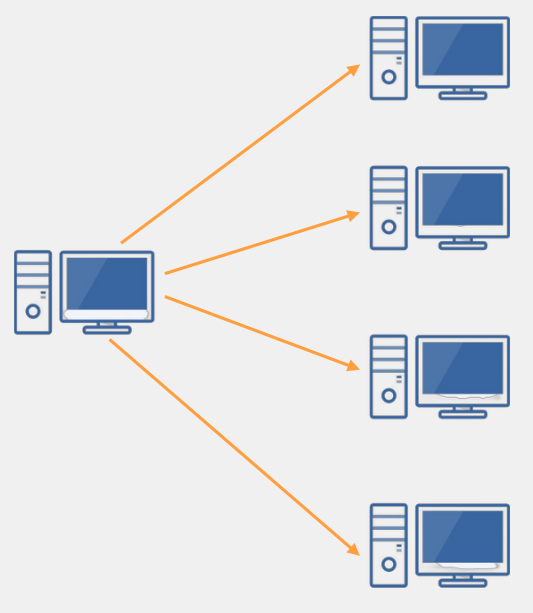
  • Broadcast — One-to-All: Data sent from one sender to all devices on the network.

Unicast (One-to-One)

Data is sent from one sender to one specific receiver.

Example: A web browser requesting a page from a specific web server.

Unicast Diagram: One sender to one specific receiver

Multicast (One-to-Many)

Data is sent from one sender to a specific group of receivers.

Example: A video stream sent to a group of subscribers.

Multicast Diagram: One sender to a specific group of receivers

Broadcast (One-to-All)

Data is sent from one sender to all devices on the network.

Example: ARP requests, DHCP discovery messages.

Broadcast Diagram: One sender to all receivers on the network

Quiz: Transmission Types

Sending data to ALL devices on a network is called:

Ethernet

The World's Most Popular LAN Technology

Introduction to Ethernet

  • The most popular networking technology in the world!
  • Refers to a family of standards that define the physical and logical aspects of the world's most popular type of LAN.
  • The standard communications protocol for building a local area network (LAN).

Physical

  • Cabling, Connectors, Equipment, etc.

Logical

  • Network Access Method, i.e., Carrier Sense Multiple Access (CSMA)