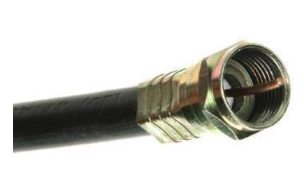
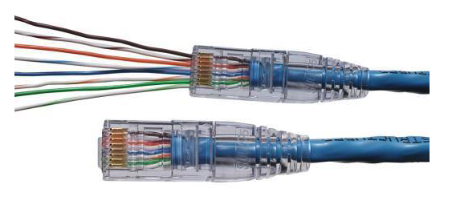

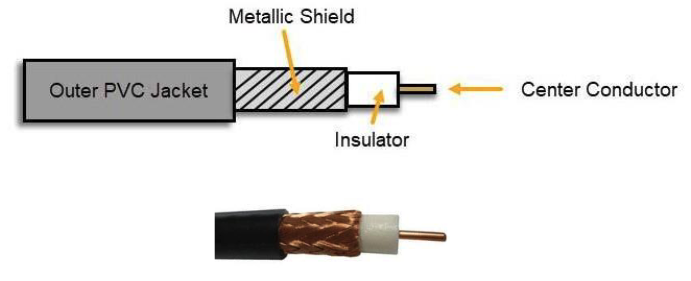
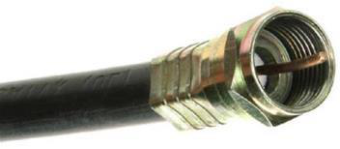
F-Connector
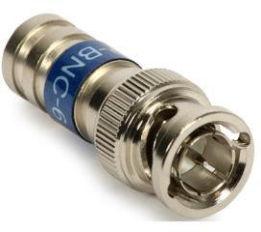
BNC Connector
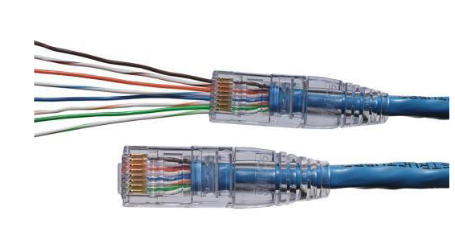
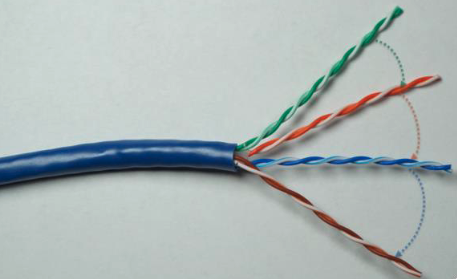
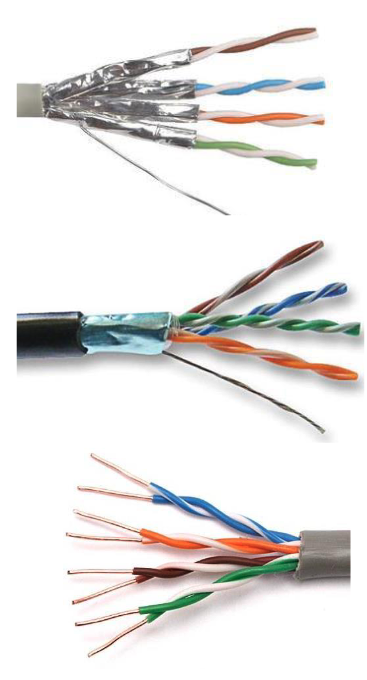
RJ-11 Connector
TIA/EIA 568A & 568B Wiring Standards
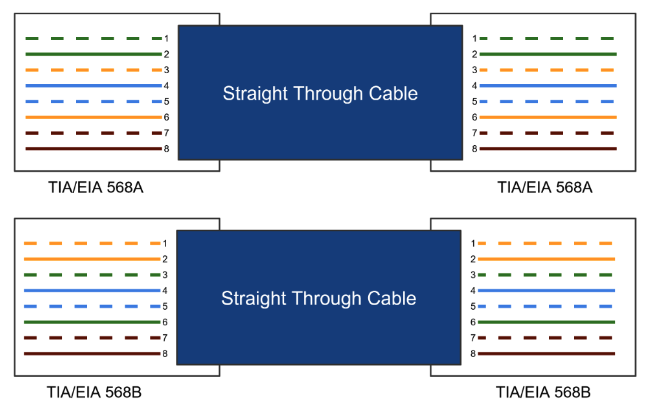
Industry standards defined by the Telecommunications Industry Association (TIA) and the Electronic Industries Alliance (EIA) that specify the pin-to-wire colour assignment for RJ-45 connectors on UTP cables.
568A — Pin Order
- White/Green
- Green
- White/Orange
- Blue
- White/Blue
- Orange
- White/Brown
- Brown
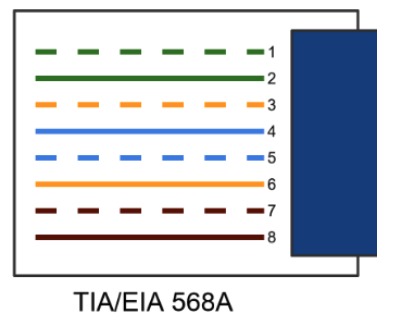
Originally used in U.S. government & phone systems
568B — Pin Order Recommended
- White/Orange
- Orange
- White/Green
- Blue
- White/Blue
- Green
- White/Brown
- Brown
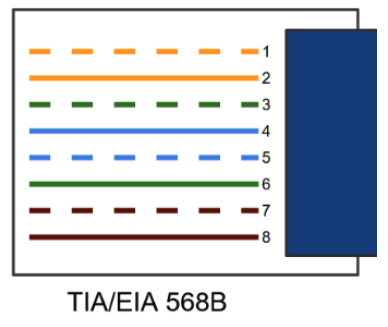
Most widely used in commercial & enterprise networks today
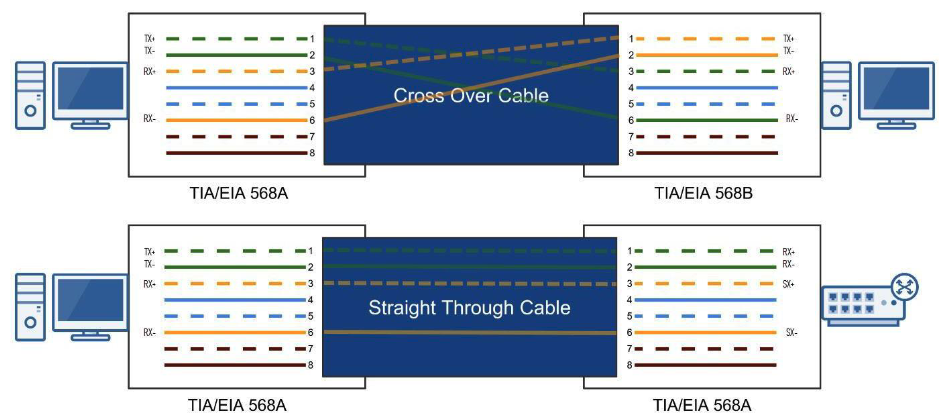
Key Rule: Both ends of a cable must use the same standard for a straight-through cable to work correctly.
Why Are Standards Important?
🔧 Lower Costs | 🔗 Interoperability | 🛠 Easier Maintenance
Straight-Through & Crossover Cables
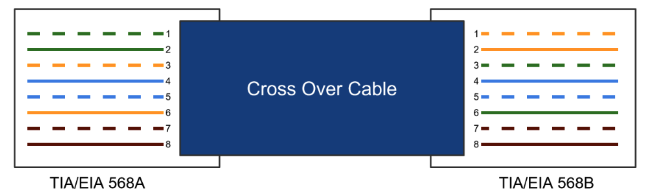
Crossover Cable
Connecting "Like" Devices
- Router to Router
- Computer to Computer
- Switch to Switch
Uses 568A on one end, 568B on the other
Straight-Through Cable
Connecting "Unlike" Devices
- Computer to Switch
- Switch to Router
- Computer to Router
Uses the same standard (568B) on both ends
The Plenum
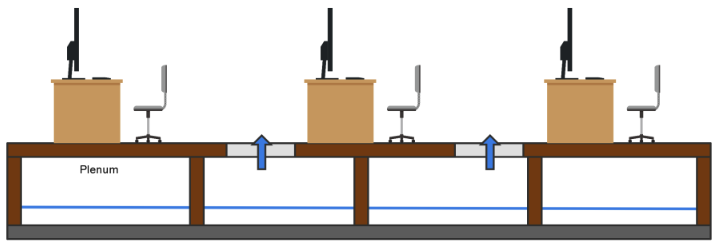
- The plenum is the open space above the ceiling or below a raised floor.
- A "plenum space" enables air circulation — provides pathways for heated/air-conditioned and return airflows at a higher pressure than normal.
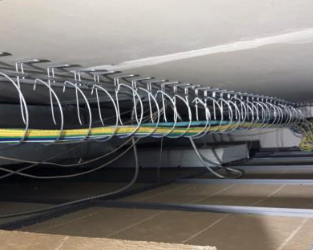
- All network cabling placed in the plenum should be "plenum-rated."


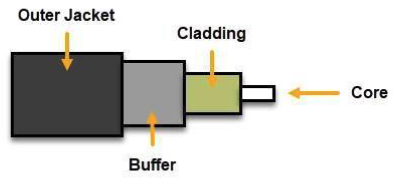
Multi-mode vs. Single-mode Fiber
Multi-mode Fiber (MMF)
- Shorter Distances (LAN / Building-to-Building)
- Up to 2 Kilometers
- Many photons travel at once, bouncing off walls — reduces distance and speed
- Larger Core: 50 to 62.5 microns
- Less expensive
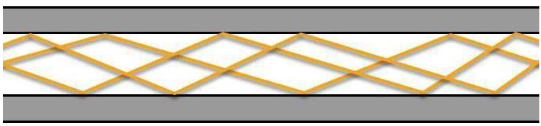
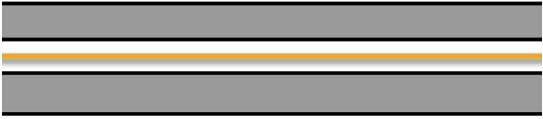
Single-mode Fiber (SMF)
- Longer Distances (WAN / Across Town)
- Up to 200 Kilometers
- A single direct photon travels through — greater distance and speed
- Smaller Core: 8 to 10 microns
- More expensive
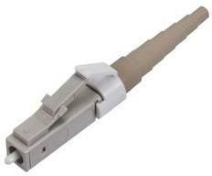
Lucent Connector (LC)
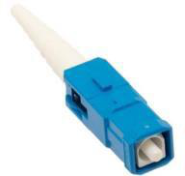
Subscriber Connector (SC)
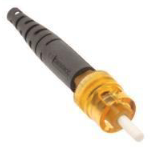
ST
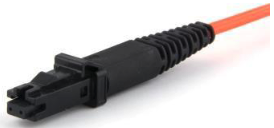
MTRJ